How to Use LinkedIn to Find Jobs
-
March 24, 2026
How to Use LinkedIn to Find Jobs
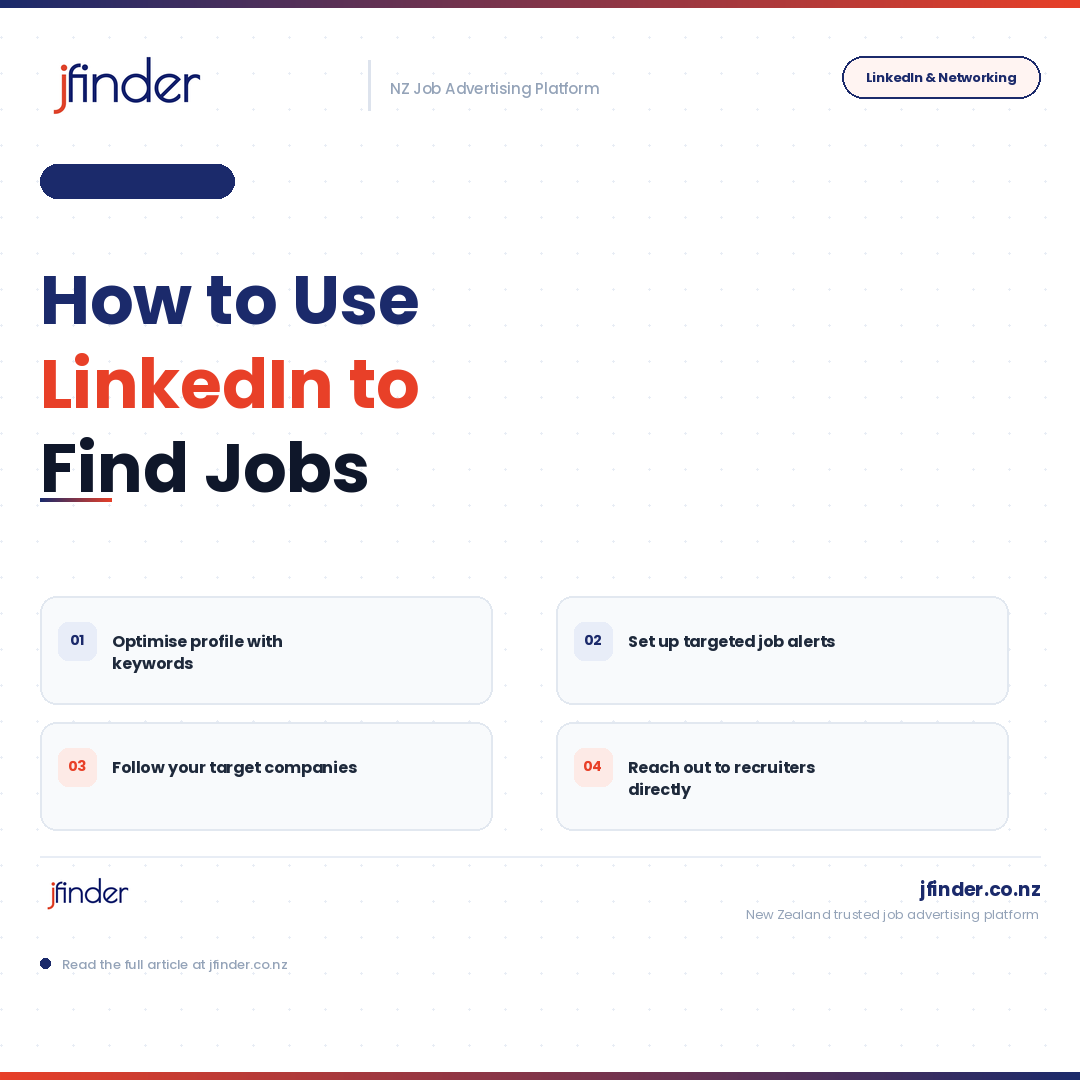
How to Use LinkedIn to Find Jobs
LinkedIn is one of the most powerful job search tools available to professionals today. With millions of job listings, a vast recruiter network, and sophisticated search capabilities, it offers job seekers a significant advantage when used strategically.
Optimise Your Profile First
Before using LinkedIn to search for jobs, ensure your profile is complete, professional, and keyword-rich. Recruiters search for candidates using specific terms — your profile must include the language relevant to your target roles.
Use the Jobs Tab Effectively
The Jobs tab allows you to search by keyword, location, industry, experience level, and company size. Use filters to narrow results to the most relevant opportunities. Save searches and set up email alerts so new listings reach you immediately.
Follow Target Companies
Follow the LinkedIn pages of organisations you are interested in. This keeps you informed about company news, culture, and new job postings — and demonstrates engagement if you later apply or connect with someone at that company.
Reach Out to Recruiters Directly
Many recruiters are active on LinkedIn and welcome messages from candidates. A brief, professional message expressing your interest in opportunities within their area of expertise can lead to conversations that never appear in a job posting.
Apply Through LinkedIn When Possible
LinkedIn's Easy Apply feature allows you to submit applications quickly using your profile information. For roles you are highly interested in, consider also submitting a tailored resume and cover letter directly through the company's website.
LinkedIn is not just a job board — it is a professional community. Engage with it actively and consistently, and it will become one of your most effective job search tools.