How to Make Your Resume ATS
-
March 22, 2026
How to Make Your Resume ATS-Friendly
How to Make Your Resume ATS-Friendly
A significant proportion of organisations now use Applicant Tracking Systems (ATS) to manage the volume of applications they receive. These software tools scan and filter resumes based on keywords and formatting before a human recruiter ever sees them.
What Is an ATS?
An Applicant Tracking System is software that parses resume content, extracts key information, and ranks candidates based on their alignment with the job description. If your resume does not meet the system's criteria, it may be filtered out regardless of your qualifications.
Use Keywords from the Job Description
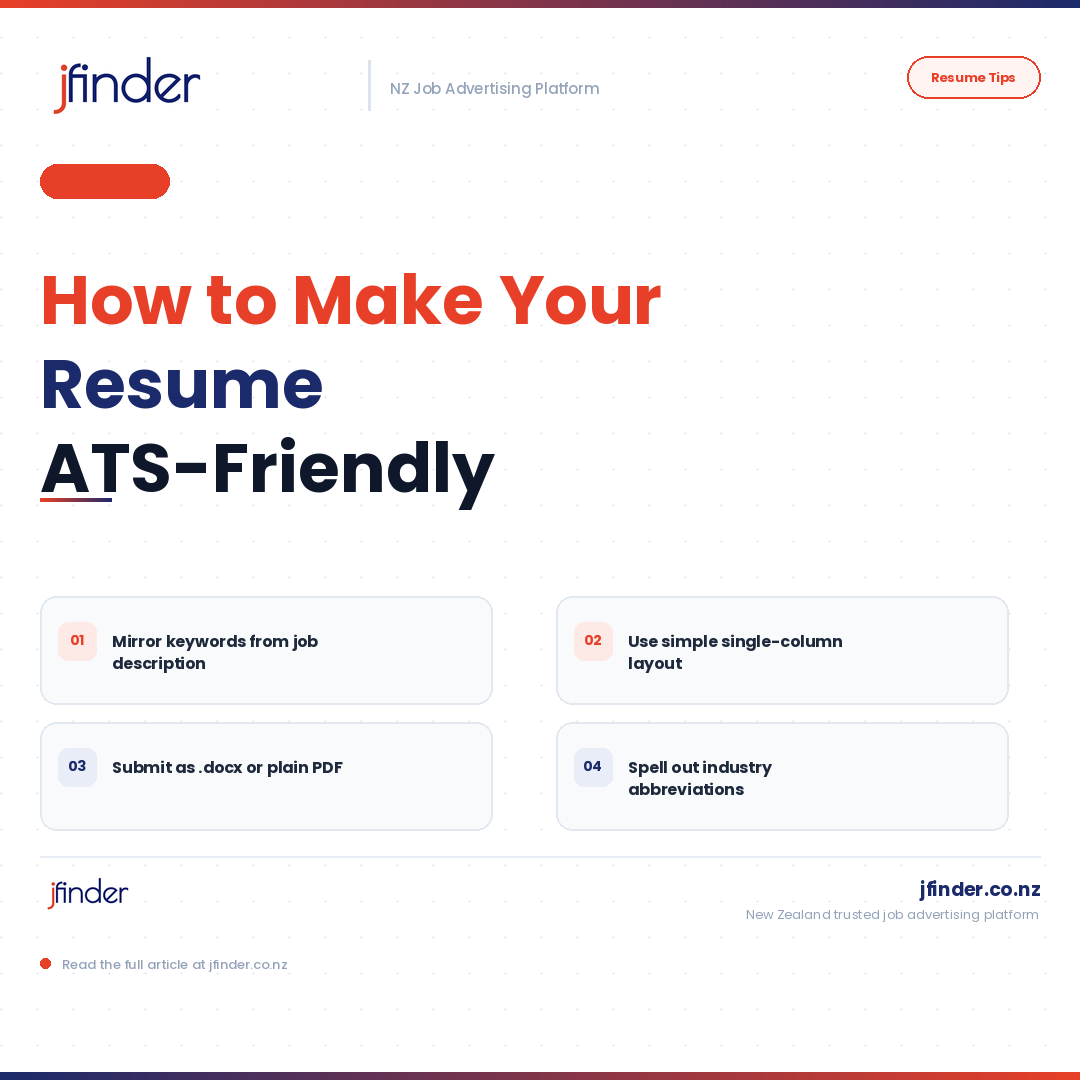
The most effective way to improve your ATS score is to mirror the language used in the job advertisement. Identify key terms — particularly role titles, required skills, and qualifications — and ensure they appear naturally within your resume.
Choose a Simple, Clean Format
ATS software can struggle to parse complex layouts. Avoid using tables, text boxes, headers and footers, or columns that may confuse the parser. Use a single-column layout with standard section headings such as "Work Experience," "Education," and "Skills."
Use Standard File Formats
Unless instructed otherwise, submit your resume as a Word document or plain PDF. Some ATS tools have difficulty reading certain file types or heavily designed PDF formats.
Spell Out Abbreviations
While acronyms are commonly understood in your industry, some ATS tools may not recognise them. Where space allows, spell out terms in full at least once before using an abbreviation.
Making your resume ATS-friendly does not mean making it less human. A well-optimised resume reads naturally while still performing effectively in automated screening systems.